Design / Field brief
Map the Decision Before You Automate the Task
A workflow map becomes useful when it shows decisions, evidence, owners, and exception paths instead of only boxes and arrows.
Workflow work often starts with a list of tasks: receive a request, check a record, approve a change, and notify the requester. That list is useful, but it is not yet an operating model. The difficult part is the decision between the tasks. Someone must know what evidence is sufficient, which conditions change the path, and who accepts the result.
Automating the task list before those decisions are explicit creates a brittle system. The software can move cases quickly when they fit the expected pattern. It can also send an unusual case down the wrong path with equal confidence. The team then learns about the design gap from a complaint, a missed deadline, or a manual correction outside the system.
Start with the operating question
For each step, ask one question: what must be true before this work can move forward? Write the answer in language that the person doing the work can test. “Manager approval required” is not enough. It does not say which manager, what the manager reviews, or what happens when the manager is unavailable.
A stronger rule might say that the budget owner reviews requests above a stated amount, using the estimate and business reason attached to the case. If the owner is unavailable for two working days, the named delegate receives the same evidence. This rule exposes the evidence, authority, time boundary, and fallback.
Not every decision can become a fixed rule. Some cases need judgment. Record that fact instead of hiding it behind a vague status. Identify the role that makes the judgment, the factors it considers, and the explanation that must stay with the case.
Add the exception before the happy path looks complete
A clean diagram can create false confidence. Real work includes missing information, duplicate requests, unavailable approvers, rejected evidence, policy conflicts, and systems that do not respond. Add these paths while the design is still cheap to change.
For each exception, define three things:
- who owns the case while it is blocked;
- what information tells that person what to do next; and
- when the case must be escalated, closed, or returned.
This prevents the common “pending” queue in which no person is clearly responsible and no clock has meaning.
Choose an automation boundary
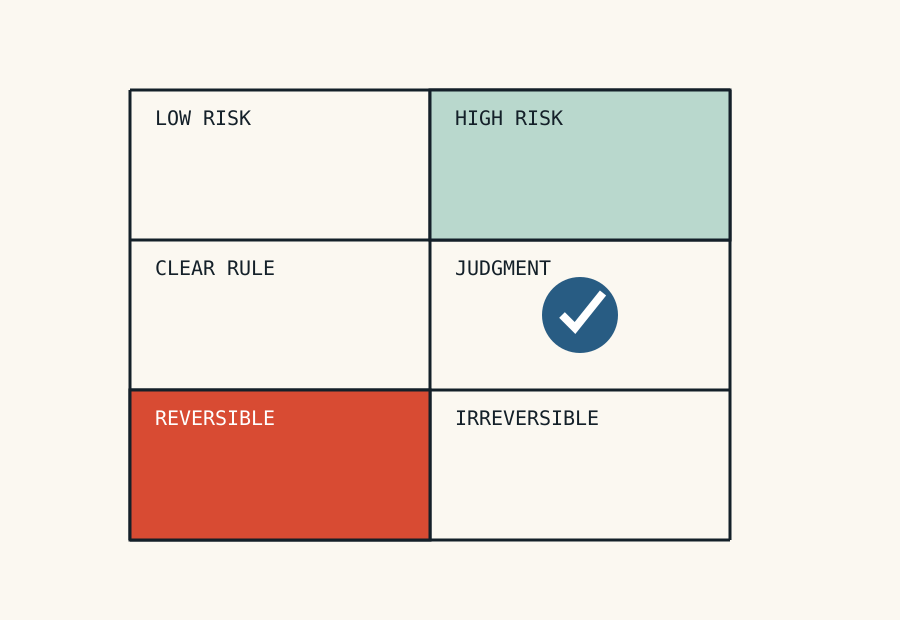
Automation is strongest when the input is reliable, the rule is stable, and a wrong action is easy to reverse. It needs more control when the source data is incomplete, the decision has legal or financial effect, or the action is difficult to undo.
Classify each proposed automated action by evidence quality, decision clarity, consequence, and reversibility. A low-risk reminder can run without approval. A system that changes an account, releases funds, or closes a regulated case needs stronger validation and an audit trail.
The point is not to avoid automation. The point is to put it where the operating rule is strong enough to support it. A clear manual workflow is usually a better starting point than an automated workflow that no one can explain.
Review the map with real cases
Use recent cases from the normal path and the exception path. Ask the people who handled them to walk through the map. When their explanation differs from the diagram, treat the difference as evidence. The work can be wrong, the map can be wrong, or the policy can be unclear. Each finding needs a decision before implementation.
A useful map is not a picture of software screens. It is a compact account of responsibility: what starts the work, what evidence moves it, who decides, how exceptions return, and what proves completion. When those elements are visible, technology can support the workflow without becoming the only place where its logic exists.